Speech Bubble MCP Server
An automated pipeline that sizes and installs speech bubbles, thought balloons and text captions into both webcomics and animations.
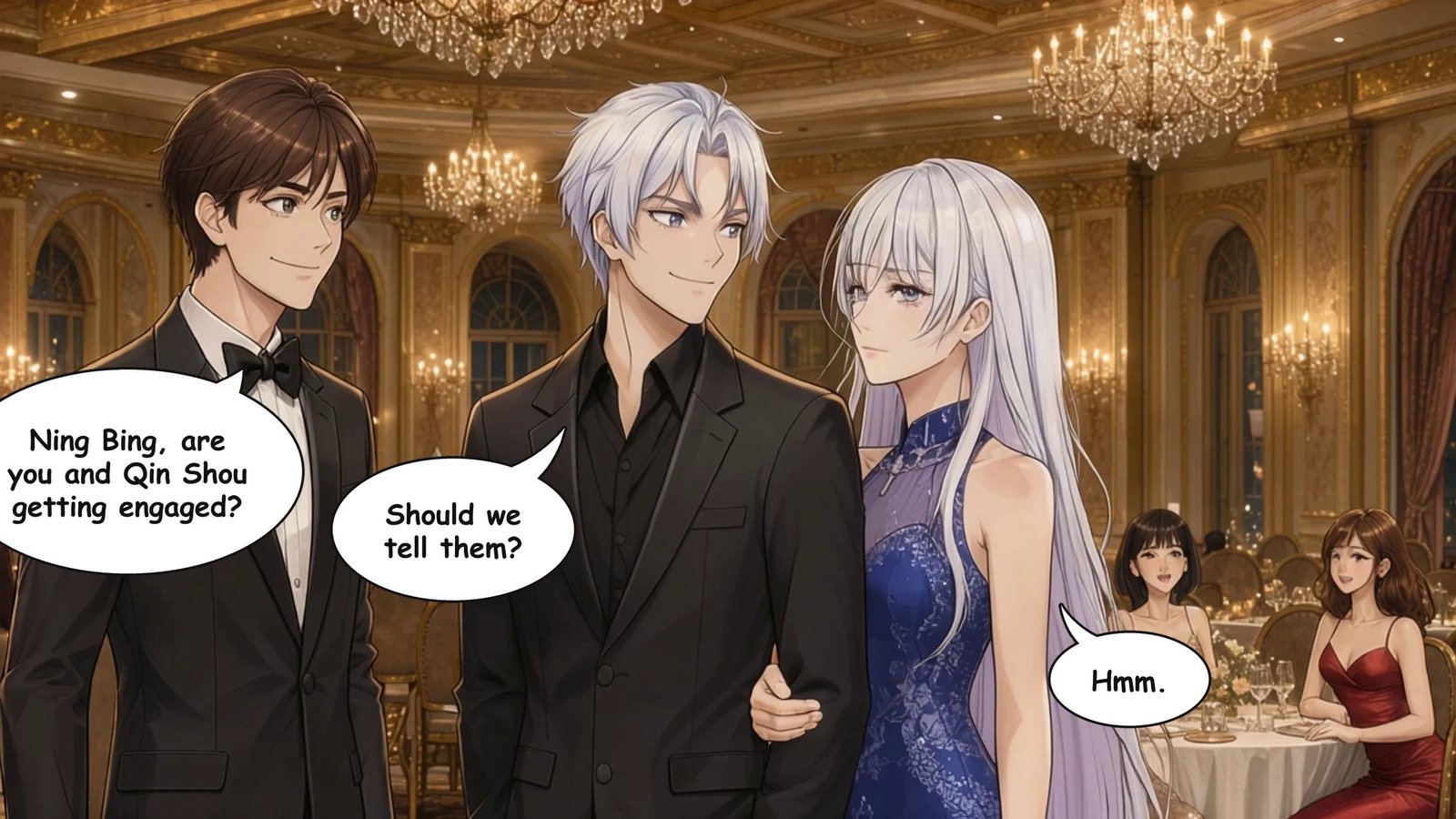
I always planned to build a speech bubble MCP server, ever since I started the doomed Starry Knight project, because you know, webcomics need speech bubbles. But I've been putting it off, partly because I terminated the Starry Knight project, and because I've been focusing all of my attention on building my visual novel lately.
However, after reaching a milestone (Act 3: Mount Hua is now complete), I decided to take a short break and shifted my attention back to here. Actually, I shifted my attention into building a manga video because I've been seeing AI animations on my feed (particularly from Story Hub), and the incomplete videos left me frustrated. Not to mention, the constant drifts in costumes — characters would switch outfits or become totally different people — had me wondering.
What if I create my own manga video? There are already a few Japanese (and their English translated versions) manga video channels on YouTube, such as Sekai no Fushigi, RomCom Manga Chan, Akatsuki's RomCom Mangas, Manga Rabbit HoméNoba, Uta's RomCom Manga, and a few more (I still remember Sato Keiichi and his heroines, who alternate between Nagisa and Yui, and Tanaka Yuto). After all, the AI text-to-speech voices with no emotion and flat delivery grated on my ears, and I have no access to voice actors. So I decided I'll just create manga videos with speech bubbles instead of voice-acting.
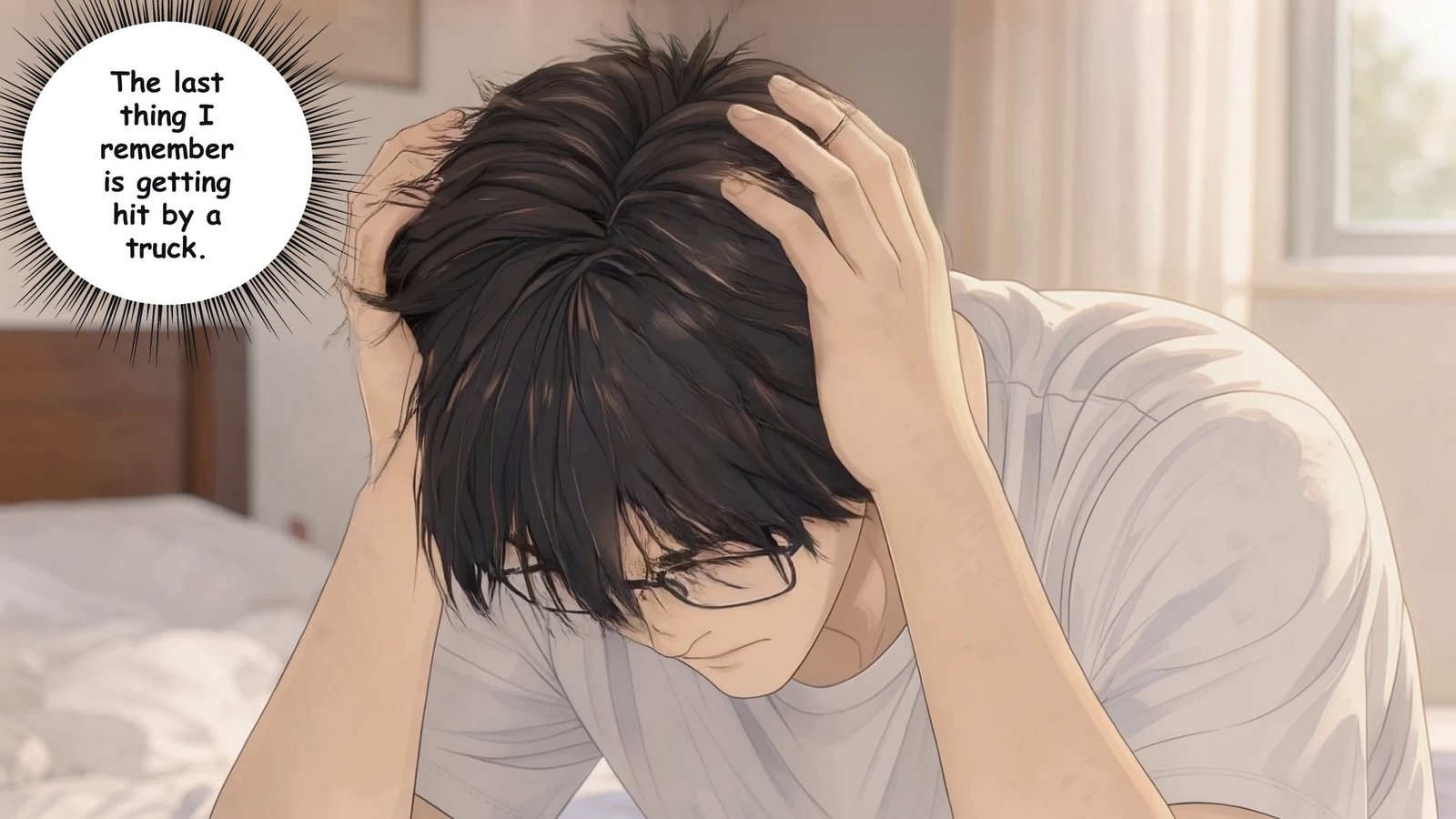
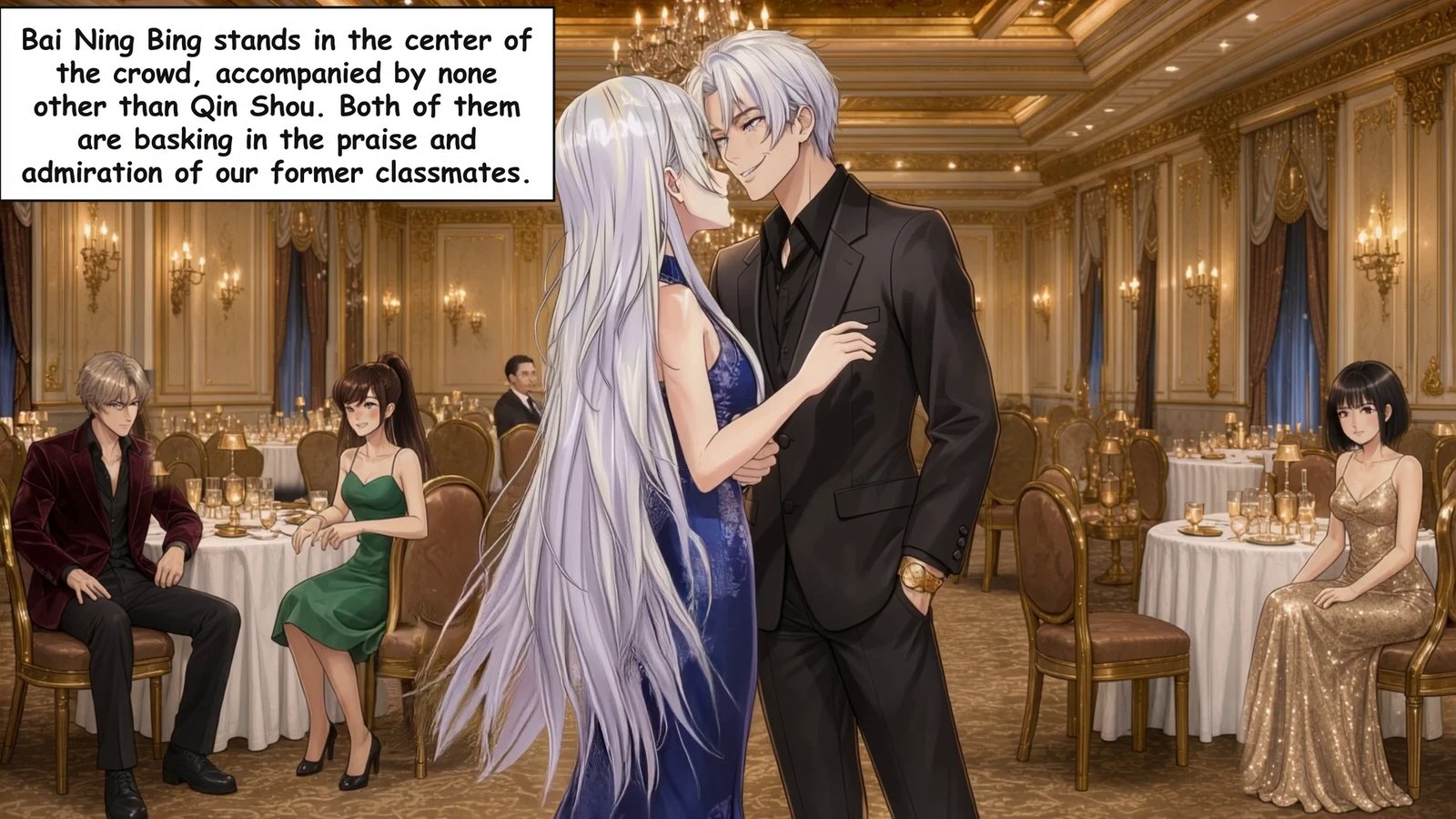
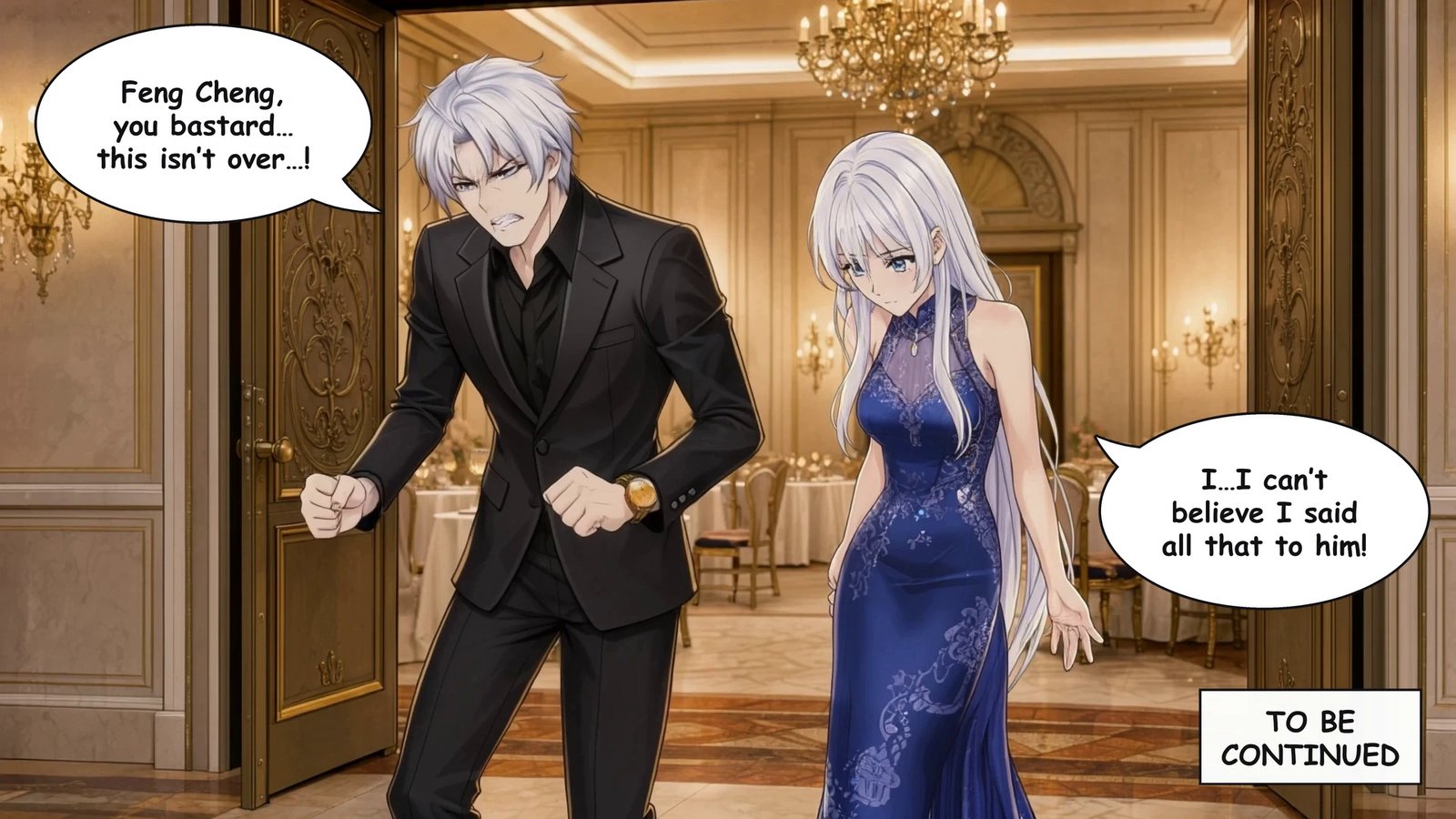
The Bubble Layout page
Initially, I had Claude Code automatically place the speech bubbles and text captions, but they kept covering the characters' faces. Frustrated, I asked him to create an app or page that allows me to place the speech bubbles manually. I wanted to keep it easy, so I asked for a drag-and-drop and resize function. But he'll first install the speech bubbles so that I can drag and resize them manually to my satisfaction.
My workflow involves me writing the script on a separate piece of document first. So you don't actually write or edit the script or dialogue in this Bubble Layout page. Instead, I script the dialogue by hand, save it as a Word document, and then feed it to Claude. In fact, the script itself is part of a larger storyboarding workflow, the full process of which you'll see in my manga video project page.
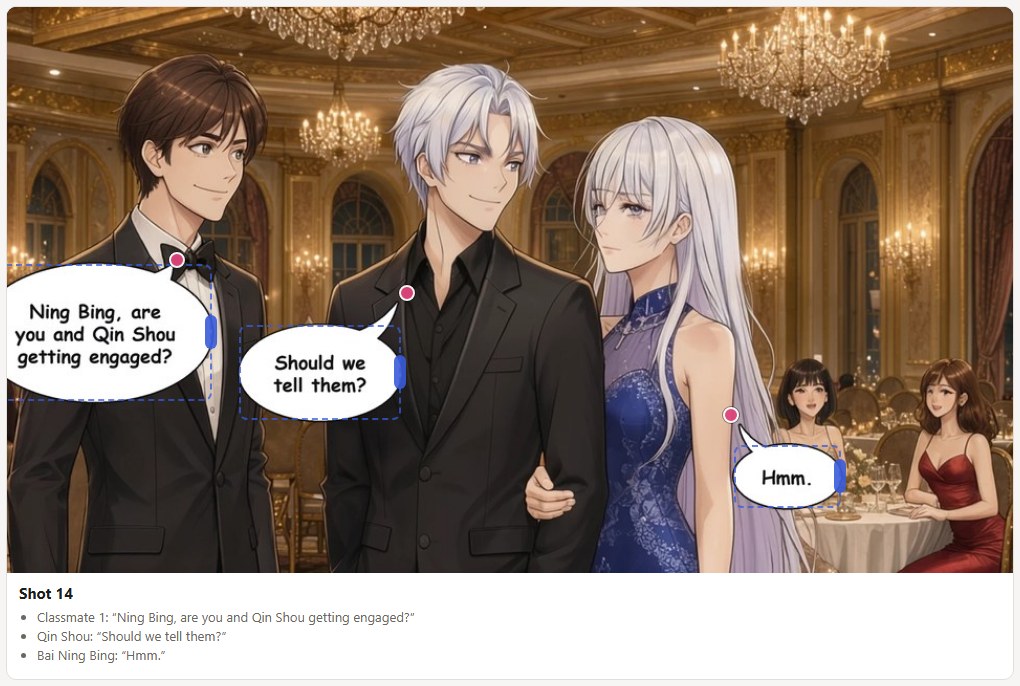
The Bubble Layout page also allows me to check the final frames of each shot, as they will pause on the final frame long enough for the audience to read the caption text and dialogue. This actually has the additional benefit of catching torn frames and cutting them out as I assemble the final cut of the manga video.
Lettering list
- Five kinds of bubble: speech, thought, caption, shout and whisper.
- Webcomic and video: I place the bubbles on a transparent layer in a PNG, or animate the bubbles in a video by fading them in.
- Timing based on words: I time the bubbles so the audience can read them without feeling it's too fast or too slow, at 24 English characters or 7 Chinese, Japanese or Korean characters a second, and a pause on the final frame to ensure enough time for the audience to read everything.
- Four languages: English, Japanese (vertical or horizontal), Chinese and Korean. The same bubble can carry every translation and be re-rendered in another language by name.
- Ensuring a consistent style: fonts, type size, colors, uppercase lettering and reading order.
Nine tools
| Tool | What it does |
|---|---|
parse_script | turns a NAME: line script into bubbles, words untouched |
fit_text | shows the line breaks and size a line would get, without drawing, to check a translation fits |
letter_image | letters a still |
letter_video | animates bubbles over a clip or a still, with single-frame previews first |
set_project_style | saves a project's fonts, type size, colors and thought style |
get_project_style | shows the saved style |
list_lettering | lists saved lettering specs |
get_lettering | opens one, to re-render it in another language |
check_status | reports ffmpeg, a font for each language and where it writes |
Part of the Webcomic MCP network
It works alongside the Background Generator, the Character & Panel Generator, Novel Translation, Anime Production, Music Generation and Visual Novel. For my manga video, I used the Character & Panel Generator to generate the frames, Anime Production to animate them, this Speech Bubble server to add the speech bubbles and caption text, and Music Generation to generate the background music (I wrote the lyrics). It's an entire ecosystem where the MCP servers work in concert and share notes to ensure consistency throughout the project.
Get the server
It's open source (MIT), like the rest of the toolkit. Ask your AI harness to clone the
webcomic-toolkit repository and follow the setup docs in
speech-bubble-mcp.
It needs Python 3.10 or newer, and ffmpeg only for video. No GPU.